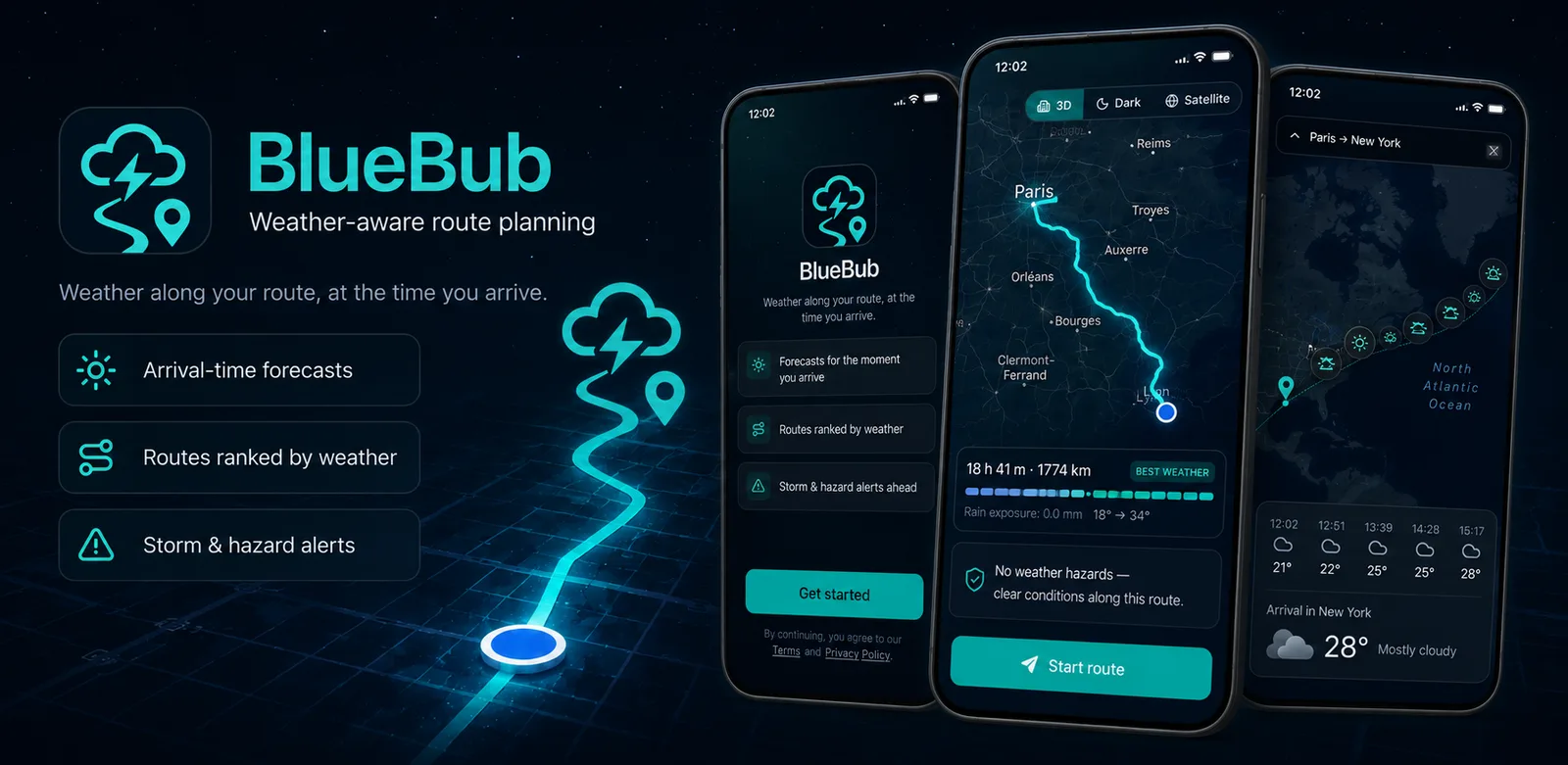
Weather along your route, at the time you arrive
Most weather apps tell you what it's like at your destination right now. BlueBub forecasts every point on the journey for the moment you'll actually be there — then ranks your route options by the weather.
How it works
Plan a trip in five steps — no account, no sign-in.
-
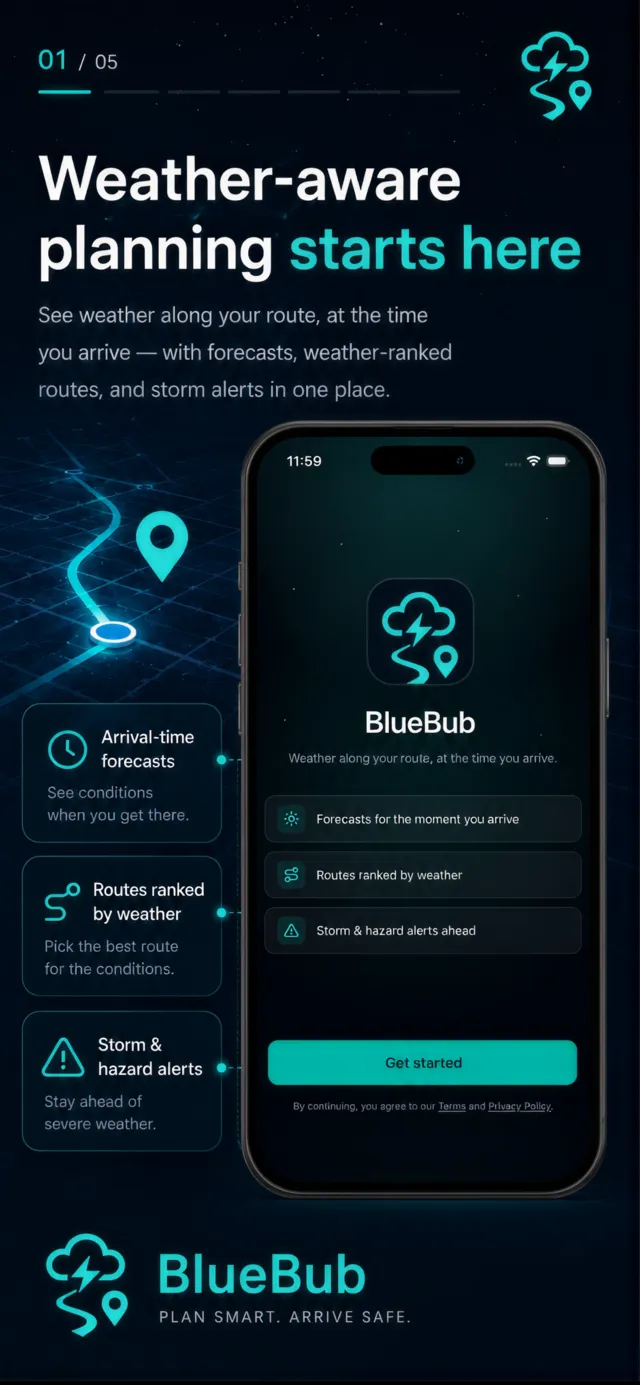
01Weather-aware planning
Forecasts, weather-ranked routes, and storm alerts in one place.
-
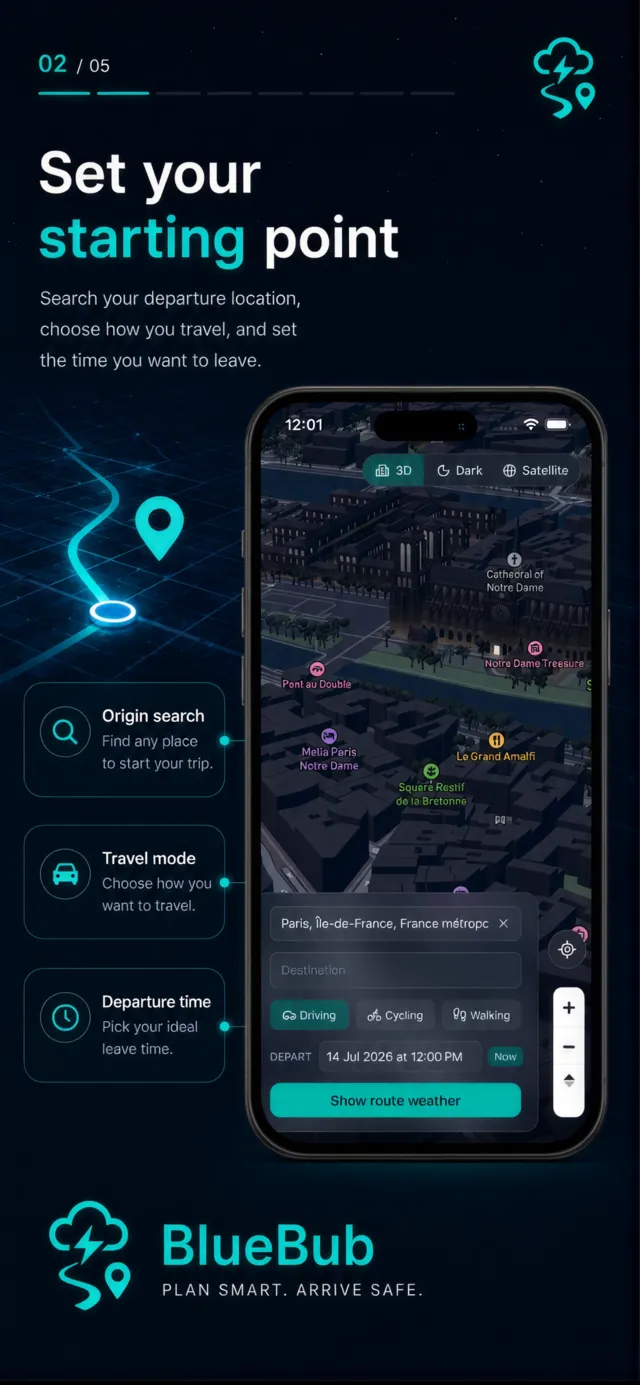
02Set your starting point
Search your departure location, choose how you travel, and set the time you want to leave.
-
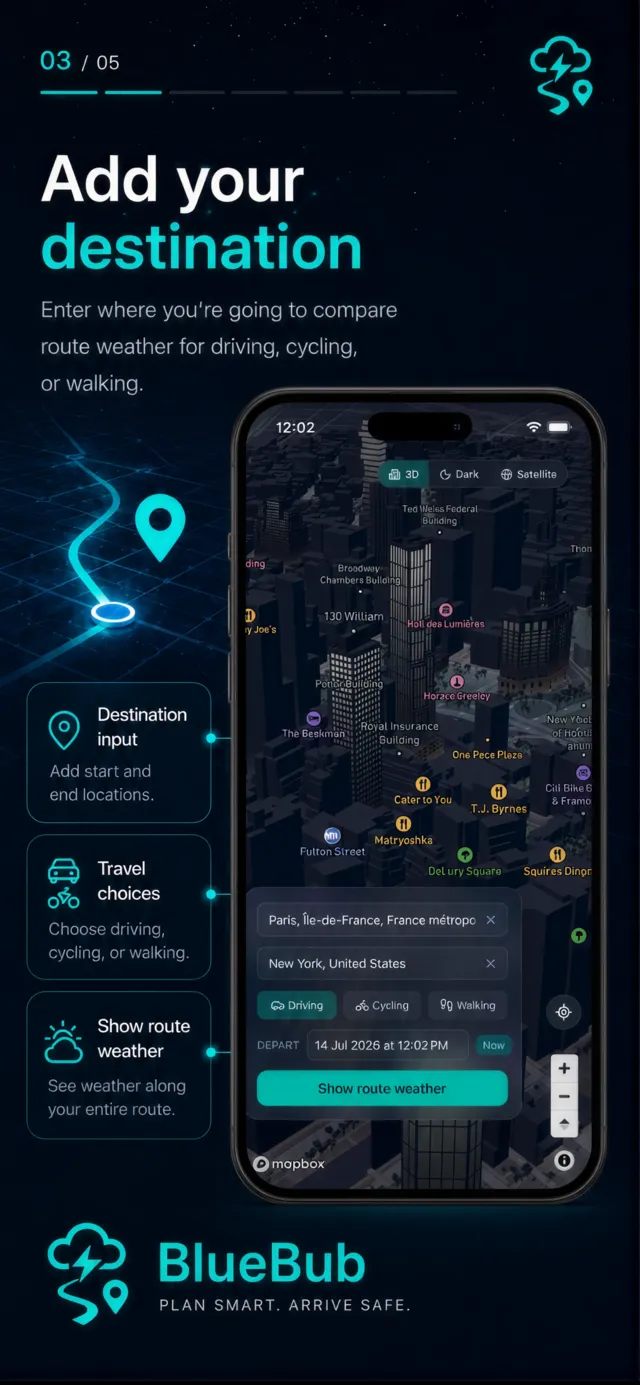
03Add your destination
Enter where you're going to compare route weather for driving, cycling, or walking.
-
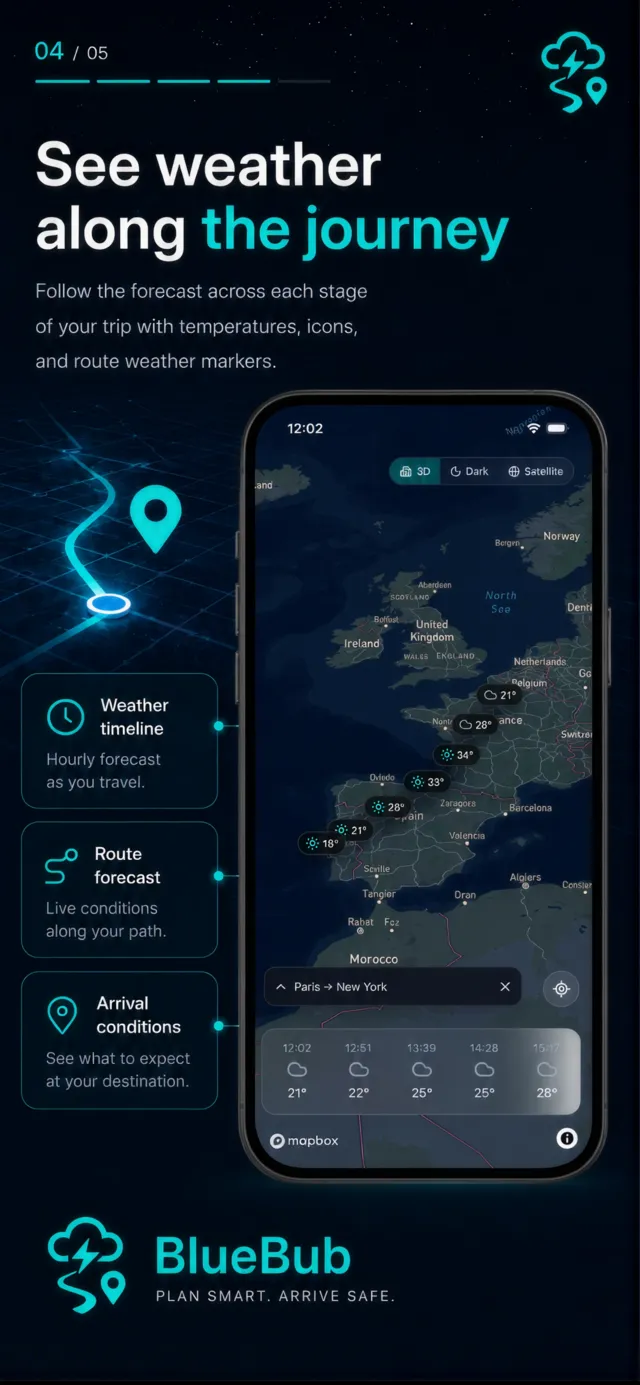
04See weather along the journey
Follow the forecast across each stage of your trip with temperatures, icons, and route weather markers.
-
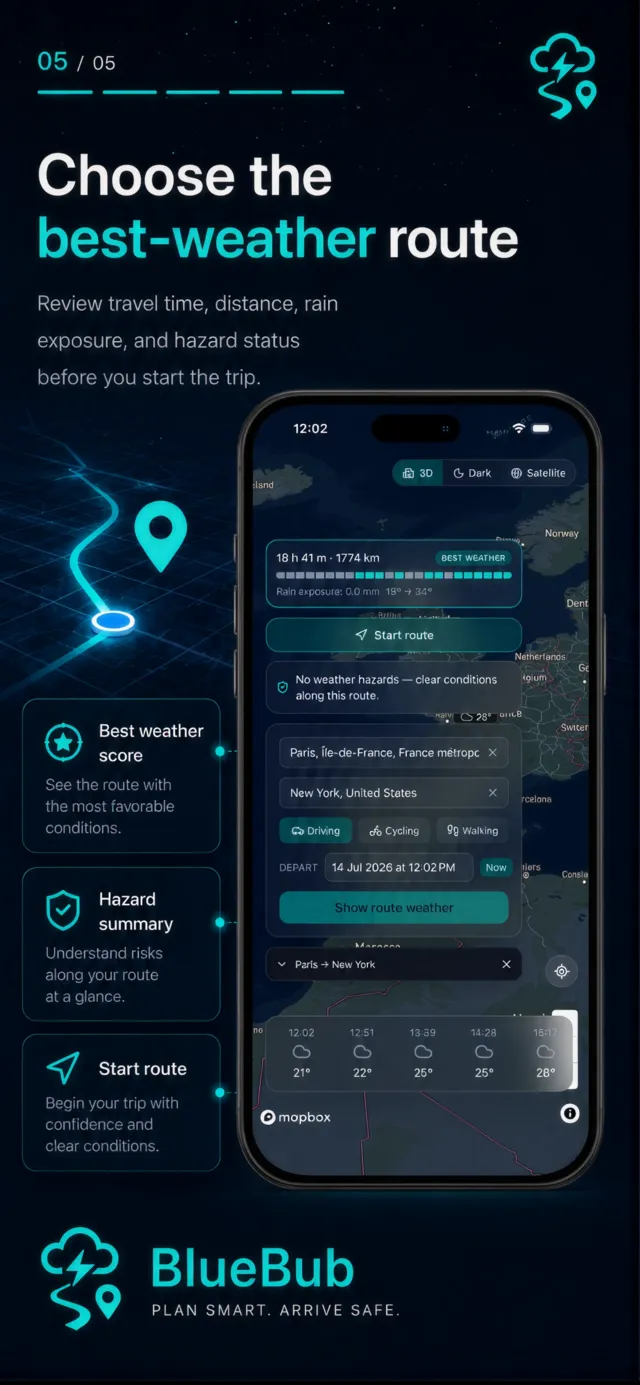
05Choose the best-weather route
Review travel time, distance, rain exposure, and hazard status before you start the trip.
Questions
-
Do I need an account?
No — BlueBub requires no sign-in and stores no personal data.
-
Why does it ask for location?
Only to show your position on the map and plan routes from where you are. It's used while you're in the app and never stored in a way that identifies you.
-
How accurate is the forecast?
Forecasts are estimates from public weather data and can change — don't rely on them for safety-critical decisions.
-
What does it cost?
BlueBub is free, and there are no adverts inside the app. It does measure which adverts lead to installs — on iOS you can decline that when asked, and everything works the same. See our Privacy Policy.